Collections List
The Collections List page displays a list of collections within your store. You can customize the heading, sort order, and image ratio for the collections displayed.
Tip
Learn how to open and configure page settings on the Page Settings page.
Collections List Settings
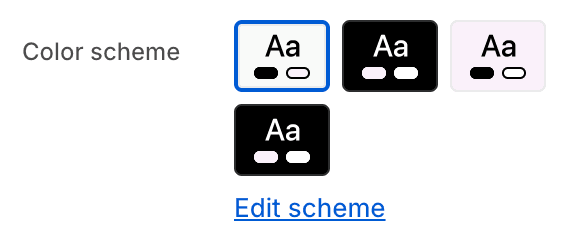
- Color schemeChoose a color scheme for the collections list section.
To edit all your theme's colors, including color schemes, go to your color theme settings.
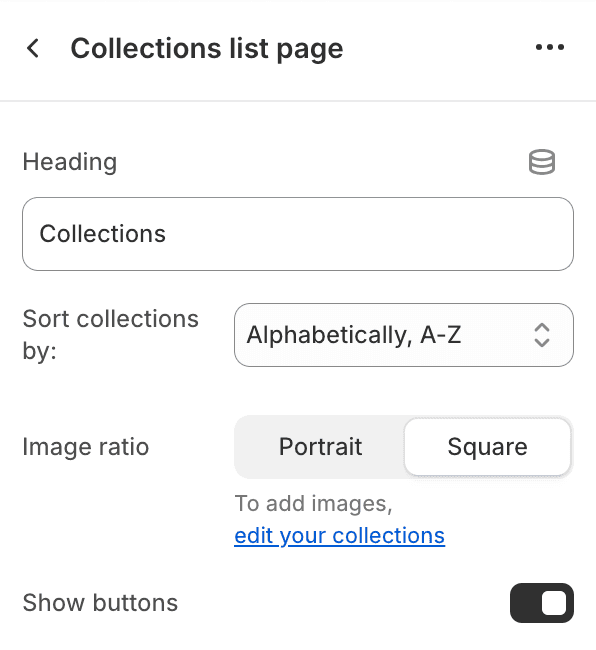
- HeadingEdit the heading of the collections list page.
- Sort collections by
- Alphabetically, A-ZSort the collections in alphabetical order from A to Z.
- Alphabetically, Z-ASort the collections in alphabetical order from Z to A.
- Image ratio
- PortraitSet the image ratio to portrait.
- SquareSet the image ratio to square.
- Show buttonsDisplay collection name buttons on all collections.